

10 Web Performance Mistakes That Are Costing You Customers
Every second of load time costs you ~7% in conversions. Here are the 10 most common performance mistakes I find on business sites.
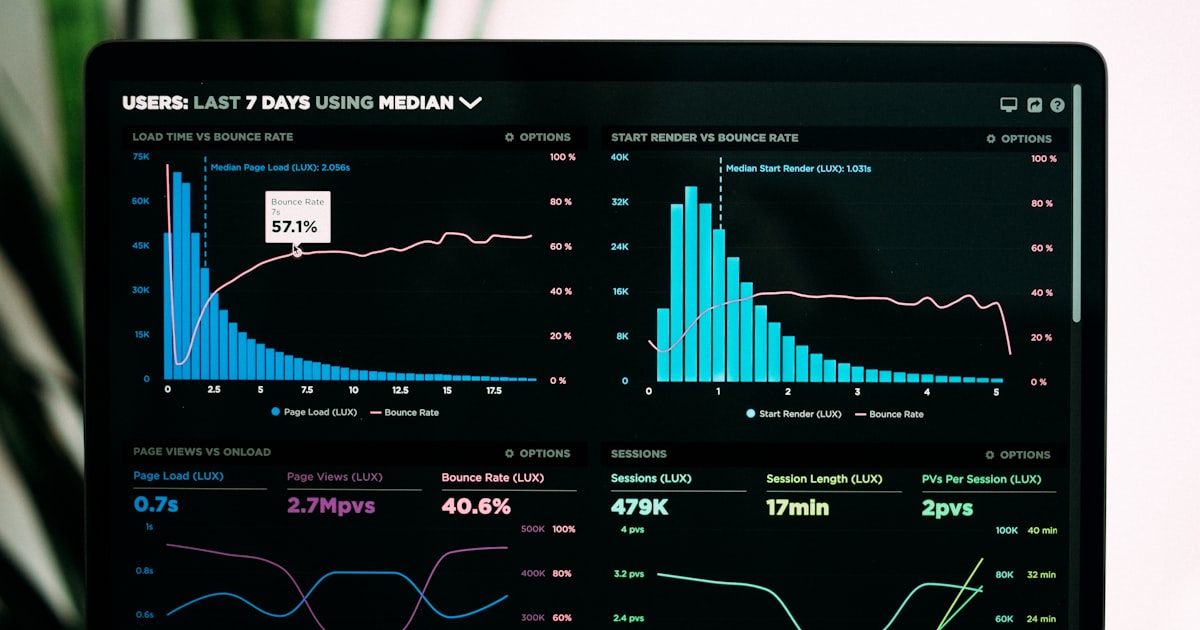
Amazon found that every 100ms of latency cost them 1% in sales. The same physics apply to your business — every extra second of load time costs roughly 7% in conversions. Here are the ten mistakes I find on almost every audit, in rough order of impact.
1. Unoptimised hero images
A 4 MB hero image is the single biggest culprit. Use WebP/AVIF, set explicit dimensions, and serve responsive sizes via srcset or your framework's image component.
2. Render-blocking JavaScript
Scripts in <head> without async or defer stop the browser from rendering. Move them to the end of <body> or add the right attribute.
3. Loading every script on every page
The chat widget you only need on the contact page is loading on every other page too. Conditional loading saves megabytes site-wide.
4. Web fonts without preloading or fallbacks
Google Fonts loaded blocking-style cause invisible text for up to 3 seconds. Self-host fonts, preload the critical weight, and set font-display: swap.
5. No caching or wrong cache headers
Static assets (images, CSS, fonts) should have year-long cache headers with versioned filenames. HTML should be short-cached or revalidated.
6. Massive third-party tag managers
Each marketing pixel adds 10-50 KB. Audit your tag manager quarterly — most sites accumulate forgotten pixels that cost real performance.
7. Iframes loaded eagerly
YouTube embeds, Maps, and chat widgets block the main thread during load. Lazy-load them with loading="lazy" or facade patterns.
8. Layout shifts from late-loading content
Images, ads, and embeds without reserved space cause Cumulative Layout Shift. Set width/height attributes on every image, reserve space for everything you know will appear.
9. Cheap, overloaded shared hosting
Page-level optimisation can only go so far if the server takes 800ms to respond. Managed WordPress hosting or proper Node.js hosting is one of the highest-ROI upgrades you can make.
10. No real performance monitoring
If you don't measure it, you can't improve it. Set up Core Web Vitals monitoring via Search Console at minimum, ideally with a tool like SpeedCurve or Calibre.
The 80/20 fix
Compress your images, lazy-load below-the-fold media, defer non-critical JavaScript, and switch to managed hosting. Those four steps alone fix about 80% of performance issues I see.
Want a personalised performance audit? Drop me a line.