

The Website Redesign Checklist: Do This Before You Change Anything
Most redesigns lose traffic in the first month. The preparation that prevents it, and how to tell whether you need a redesign at all.
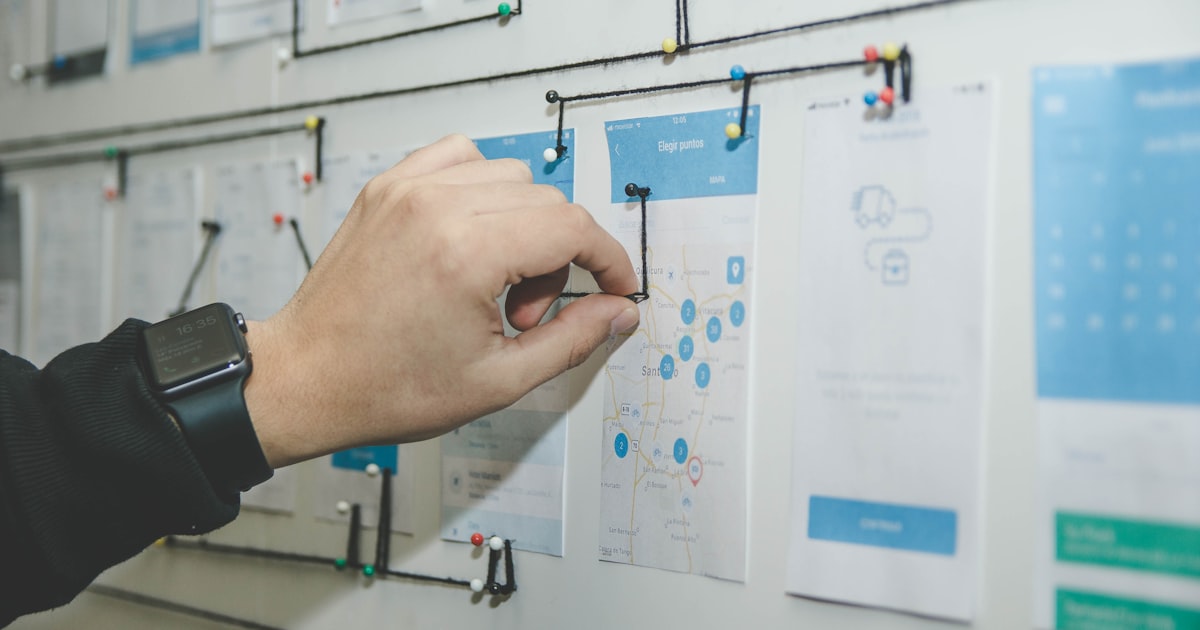
Redesigns fail in a predictable way: the new site looks better, and enquiries drop. Almost always the cause is preparation that never happened — URLs changed without redirects, content quietly dropped, page speed regressed under the weight of a nicer hero.
First, do you actually need one?
You probably do if the site is not responsive, you cannot edit it without a developer, it fails Core Web Vitals badly, it does not reflect what you sell any more, or it is built on something unsupported. You probably do not if the real complaint is "it feels dated" — that is often a typography, spacing, and imagery refresh at a fraction of the cost. And if the problem is conversion rather than looks, start with the page structure instead.

Before: record what you have
- Export a full URL list from your sitemap, analytics, and a crawl. All three — each finds pages the others miss.
- Baseline your metrics. Traffic, top landing pages, conversion rate, Core Web Vitals, top keywords. Without this you cannot prove the redesign worked or failed.
- Identify your top 50 pages by traffic and by conversions. These are non-negotiable: they keep their URL or get a 301.
- Inventory the content. Keep, merge, rewrite, or delete — decided per page, before design starts.
- Note every integration. CRM, email platform, booking, payments, analytics, ad pixels, review widgets. Each one is a thing that can silently stop working.
During: the decisions that matter
- Keep URLs unless you have a reason. A prettier URL is not a reason. If you must change, map old to new one by one — see SEO-friendly site structure.
- Set a performance budget before the design is signed off, so the hero decision is made with it in mind.
- Design mobile first, since that is where most of your traffic already is.
- Build components, not pages, so the site stays coherent as it grows — the reasoning in the Figma-to-code workflow.
- Keep your best-performing content intact. Rewriting a page that ranks well is how rankings get lost.
Before launch: the checks
- Every old URL 301s to its closest equivalent — tested, not assumed.
- Sitemap and robots.txt regenerated; staging is not indexable.
- Canonicals correct and absolute; no leftover staging domains.
- Analytics, conversion goals, and pixels firing on the new templates.
- Every form submitted end to end, including the notification email.
- Core Web Vitals equal to or better than the old site.
- Accessibility pass on templates, not just the homepage.
The full sequence is in the pre-launch website checklist.
After: watch for four weeks
Check crawl errors weekly in Search Console, watch for 404 spikes, compare traffic and conversions against your baseline, and expect a small dip in week one — that is normal as pages get recrawled. A dip that has not recovered by week four means something structural, usually a redirect gap.
The mistake behind most failed redesigns
Treating it as a visual project. A redesign is an information architecture, content, performance, and measurement project that happens to include new visuals. Get those four right and the design does its job. Get them wrong and the nicest site you have ever owned will earn less than the one it replaced.
Planning a redesign this year? Talk to me before the URLs change — see recent rebuilds for how they went.