

Wireframe vs Mockup vs Prototype: What to Use and When
Three words used interchangeably by almost everyone, and getting them mixed up is how projects end up reviewing the wrong thing at the wrong time.
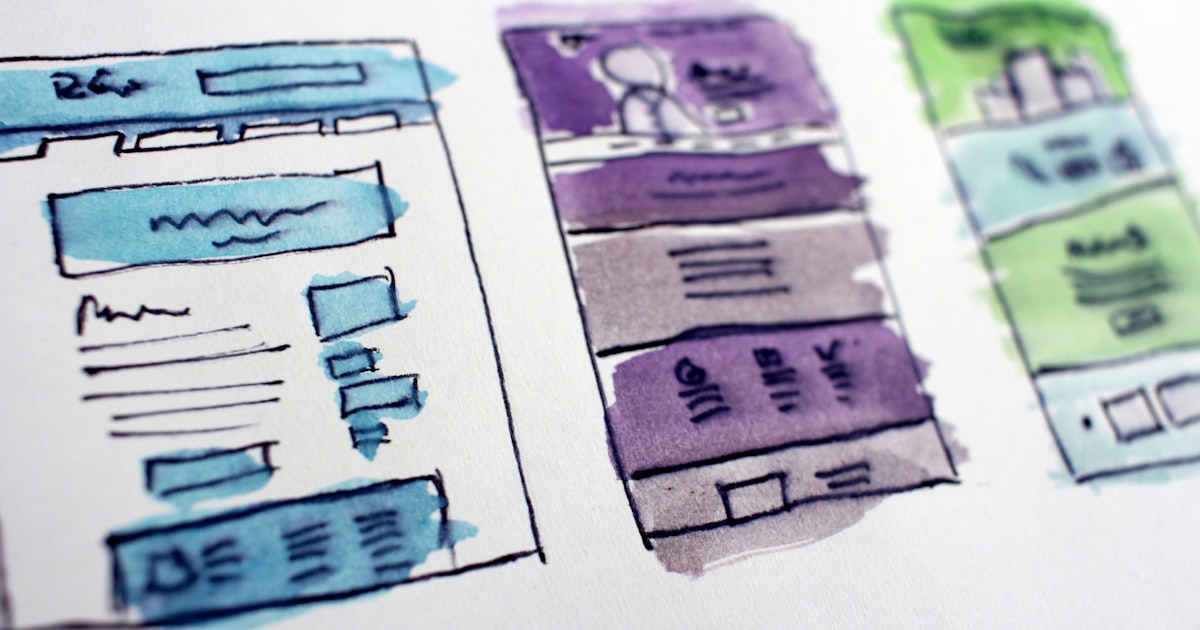
Clients ask for a mockup and mean a prototype. Designers deliver a wireframe and get feedback about the colours. The words are not precious, but the stages they describe are, because each one is designed to answer a different question — and reviewing the wrong question wastes everybody's time.
Wireframe: does the structure work?
Grey boxes, real headings, placeholder images. No brand, no colour, no fonts. The point is to argue about what goes on the page and in what order while changing it still costs minutes. If someone comments on the shade of grey, the wireframe is doing its job and the review briefing is not.
Use it to settle: what sections exist, what order they appear in, what the page hierarchy is, and where the primary action sits. That is the same structural thinking as the anatomy of a landing page.
Mockup: does it look right?
A static, high-fidelity visual: final colours, type, imagery, spacing, and real copy. This is the "how will it look" conversation, and it should only happen after the structure is agreed — otherwise you are repainting rooms while the walls are still moving.
A good mockup includes the states and the mobile width, which is exactly the list in the Figma-to-code handoff workflow.
Prototype: does it work?
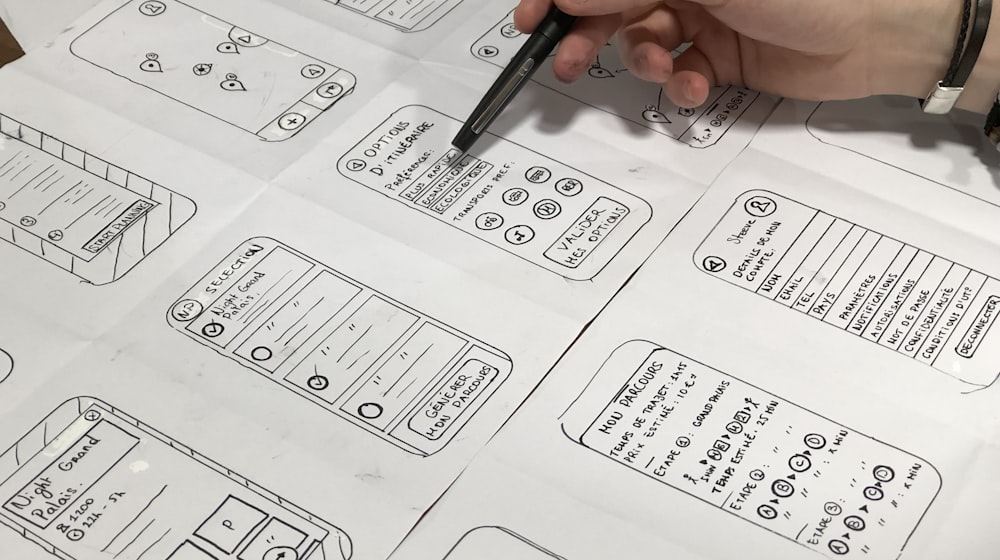
Clickable and interactive, whether that is linked Figma frames or a coded front end. It answers questions no static image can: can someone complete the task, does the flow make sense, is the menu discoverable, does the form feel long. Five people clicking through a prototype will find problems that ten stakeholders reviewing images never will.
A quick comparison
| Stage | Question | Fidelity | Cost to change |
|---|---|---|---|
| Wireframe | Right content, right order? | Low | Minutes |
| Mockup | Right look and feel? | High | Hours |
| Prototype | Does it actually work? | Interactive | Hours to days |
| Built site | Does it perform? | Real | Days to weeks |
When you can skip a stage
On a small site using an established design system, wireframes are often unnecessary — the components already dictate structure. On a novel flow with real complexity, skipping the prototype is the expensive choice, because you will discover the problem after it is built. The rule: the more unfamiliar the thing, the earlier you should test it. Where each of these sits in a full project is laid out in from idea to launch.
Brief your reviewers
Say explicitly what you want feedback on and what is deliberately unfinished. "This is structure only — colours and imagery come next week" saves the entire review. Without that sentence you will get colour feedback on a wireframe and structural feedback after the build.
Where teams go wrong
- Jumping straight to high-fidelity mockups, then discovering the structure is wrong.
- Prototyping in so much detail that it becomes cheaper to have built the real thing.
- Treating a signed-off mockup as a contract the browser has agreed to.
- Never testing with anyone outside the team at any stage.
Not sure which stage your project actually needs? Describe it to me and I will tell you where to start.